 vs
Facet vs Safari
Everything good about Safari.
Then a lot more.
Facet runs on WebKit, the engine inside Safari, so pages look and behave the same. Then it adds Chrome extensions, an ad blocker, a real sidebar and touch.
The short answer.
Both are good browsers. Here’s who each one is for.
Pick Facet if
- You want Chrome extensions on a browser that still feels like Safari.
- You want ads blocked without paying for an App Store blocker.
- You keep lots of tabs and want a sidebar with Facets, Sweep and Gems.
- You want AI you control: Apple Intelligence, or any provider’s key.
Stay with Safari if
- You use iCloud Passwords and passkeys everywhere. Safari syncs them, Facet can’t yet.
- You want tabs and bookmarks to sync both ways with iPhone. Facet’s Safari import is one-way for now.
- You don’t want to install anything. Safari is already on your Mac.
Side by side.
Facet and Safari, feature by feature.
| Facet | Safari | |
|---|---|---|
| Engine | WebKit | WebKit |
| Liquid Glass design | ||
| Chrome extensions | From the Chrome Web Store | – |
| Ad blocker built in | Shield, with uBlock Origin | Trackers only |
| Sidebar or top bar | Your pick | Top bar |
| Spaces for each part of life | Facets, with own logins | Profiles and Tab Groups |
| Tabs that tidy themselves | Sweep | – |
| Made for touch | – | |
| Link previews with AI summary | Peek | – |
| Agents that work in your tabs | – | |
| Apple Intelligence | ||
| Bring your own AI, any provider | – | |
| Talk to it | Hold ⌥ Space | Through Siri |
| Touch ID for passwords | ||
| iCloud Passwords and passkeys sync | – | |
| Two-way iCloud sync | iCloud Tabs, read-only import | |
| On iPhone today | Coming soon | |
| Price | Free. Pro optional | Free, built in |
Standard features on Mac as of November 2026, with no add-ons. Safari is a trademark of its owner.
Sidebar
Safari’s speed.
A real sidebar.
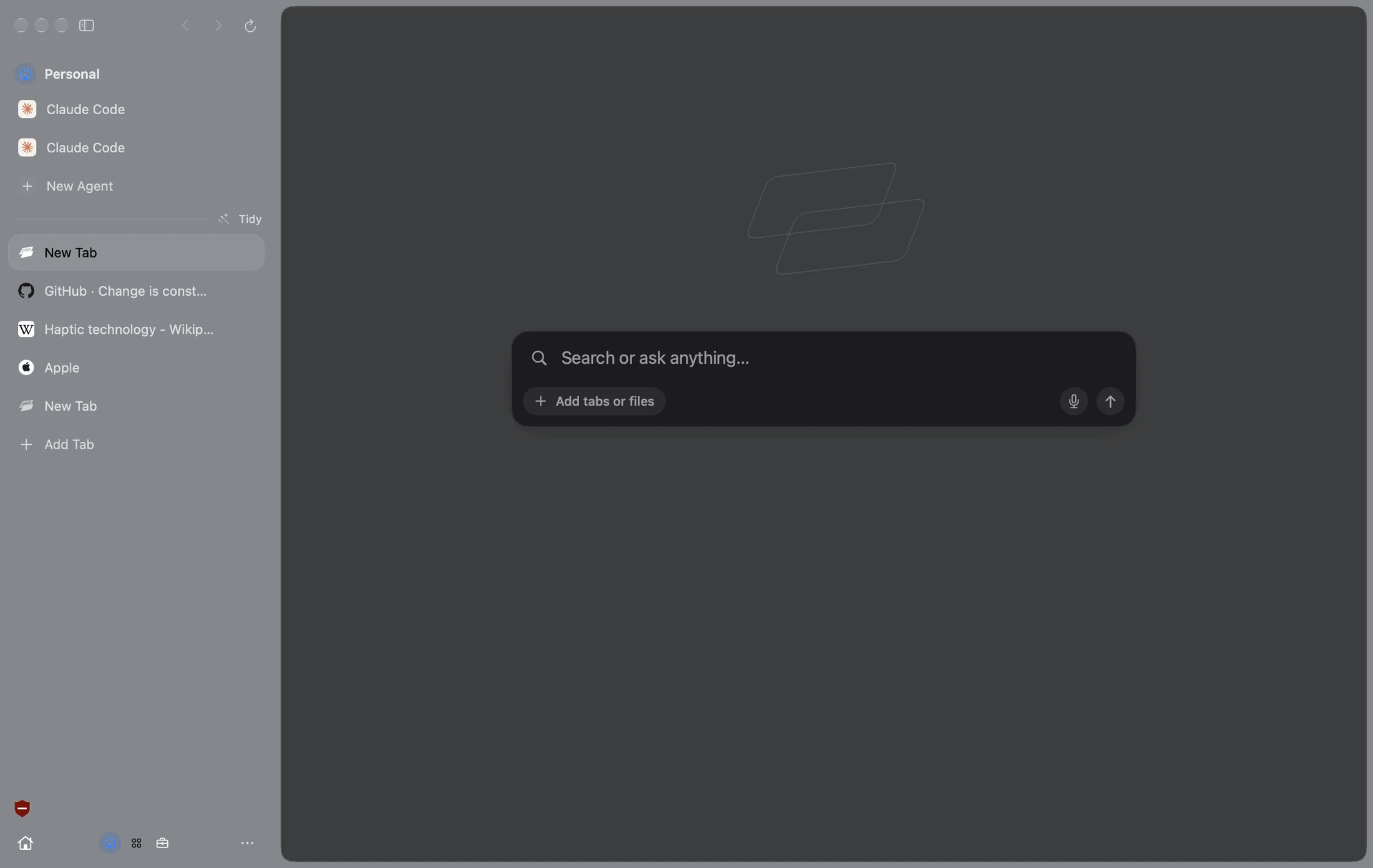
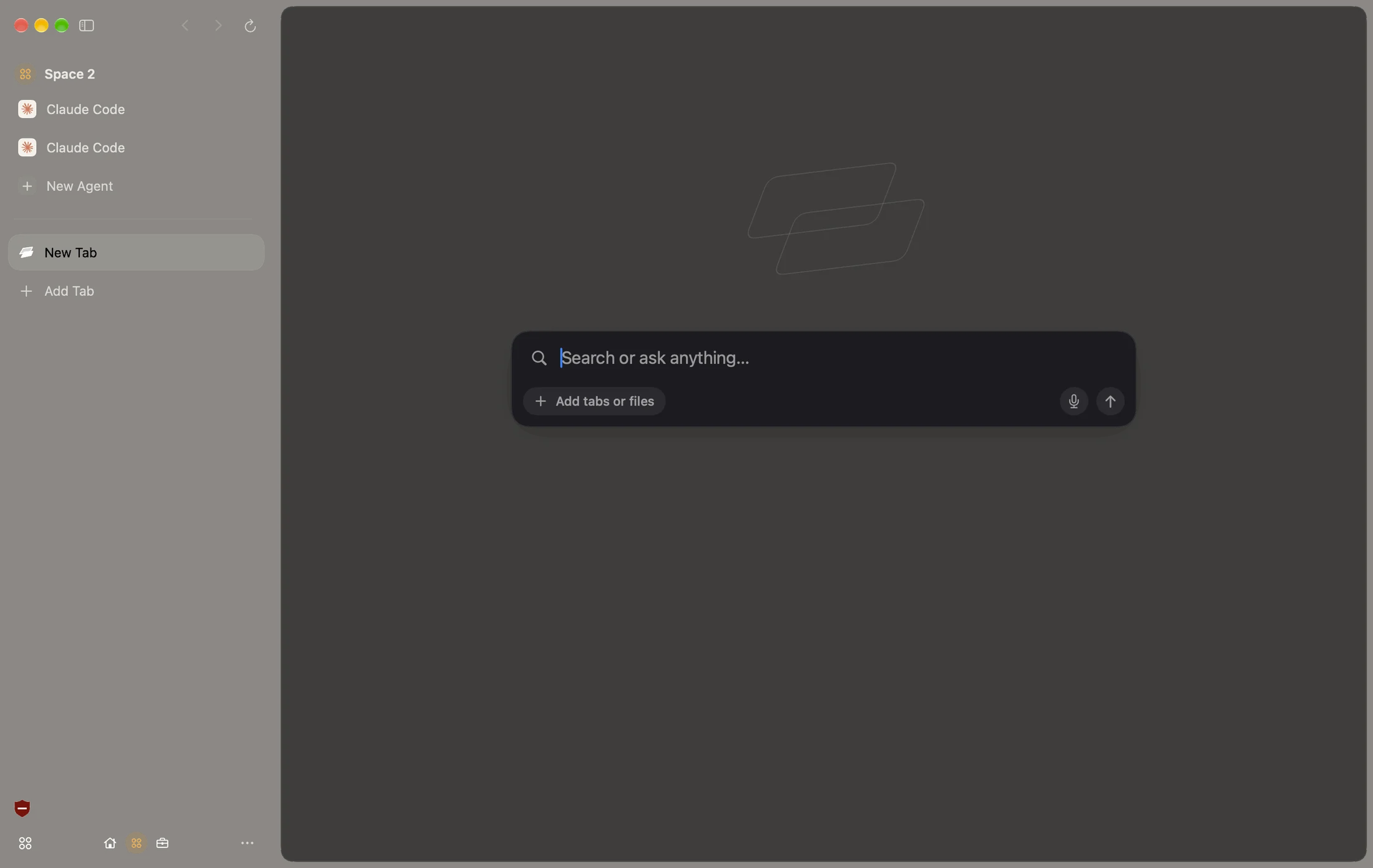
Put your tabs in a sidebar or keep a top bar like Safari. Facets keep work and life apart, each with its own logins and color.
Extensions
The Chrome Web Store.
On WebKit.
Open any Chrome Web Store page in Facet and click Add to Facet. 1Password, Bitwarden and most of your favorites just work.
Agents
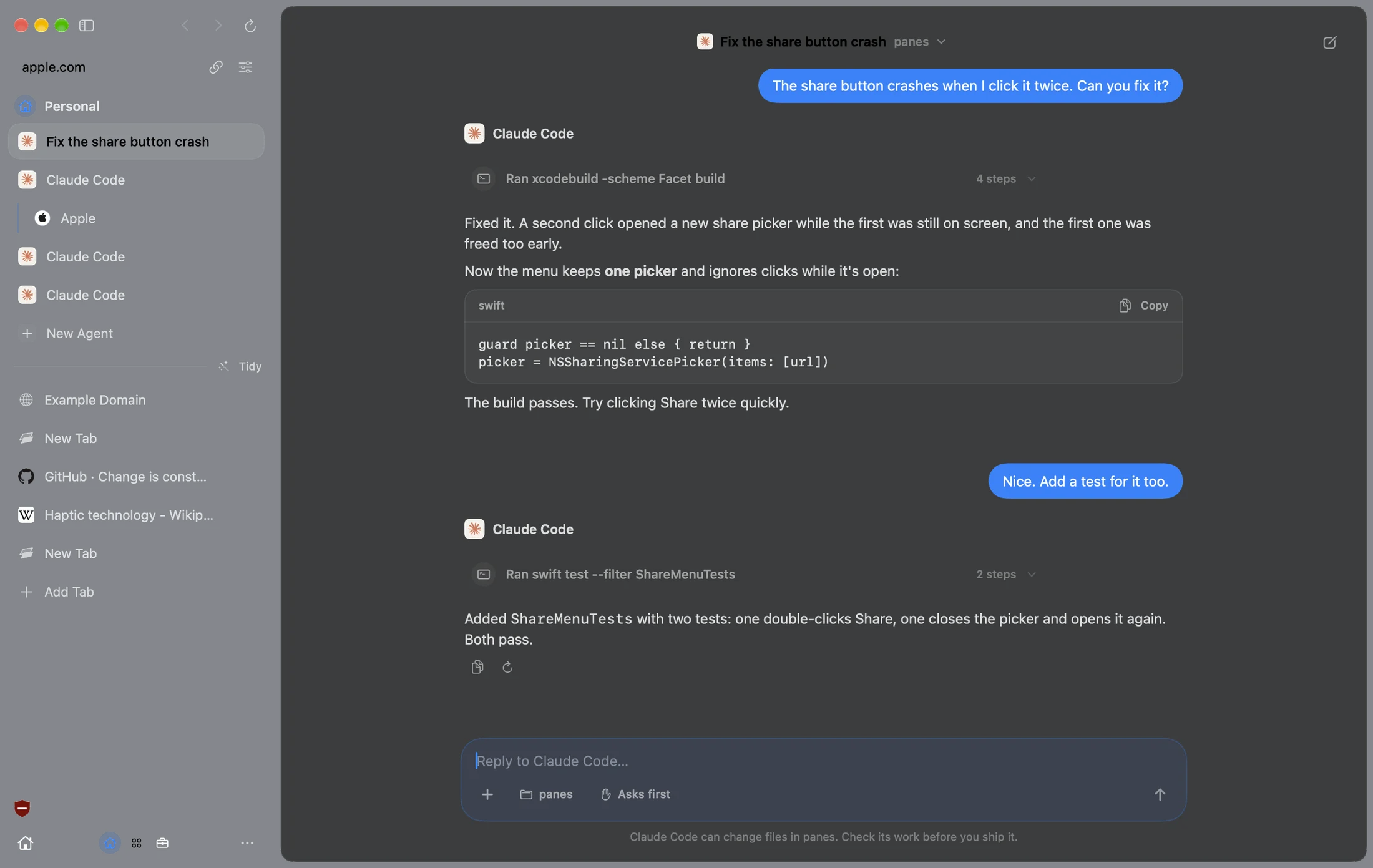
Give it a job.
Watch it work.
Agent fills forms, compares tabs and books things while you watch. Safari has nothing like it.
Only in Facet.
Things Safari doesn’t do.
Bring Safari over in a minute.
Three steps. Keep Safari as long as you like.
 Chrome
 ArcSafari
 DiaBraveEdge
Free. Then Pro, if you want it.
The whole browser is free with no account. Pro is the extra magic between your Mac and iPhone.
Facet is free. Pro adds the extras that make your Mac and iPhone work as one. Try it free for 7 days, right in Facet.
Questions.
Facet vs Safari, answered.
Is Facet faster than Safari?
Facet runs on WebKit, the same engine as Safari, so pages load and scroll the same way and battery life is in the same league. Where Facet saves time is everything around the page: Sweep, Peek, ⌘T and Agent.
Do sites work the same as in Safari?
Yes. Facet uses the same WebKit engine, so any site that works in Safari works in Facet.
Can I use Chrome extensions instead of Safari extensions?
Yes. Open the Chrome Web Store in Facet and click Add to Facet. A few extensions built only for Chrome may not run.
Will my Safari passwords work?
Passwords saved in your Mac’s Keychain fill with Touch ID. iCloud Passwords and passkeys that sync to iPhone stay in Safari for now.
Can I bring my Safari bookmarks and Tab Groups?
Yes. Facet imports bookmarks, history and Tab Groups, and turns Tab Groups into Facets. The import is one-way, so Safari isn’t changed.
Is Facet free?
Yes. No account, no subscription, no ads. Facet Pro is optional.

Try Facet.
Free for Mac. No account.
Drag Facet to Applications and open it. It’s signed and notarized by Apple, so there are no warnings.
More comparisons