The touchscreen MacBook Pro
Made for touch.
Most apps were built for a pointer. Facet was built for your fingers.
Touch the web.
One minute on what it feels like. Sound on.
Every gesture.
Big enough for a finger. Nothing hidden behind a hover.
Roomier when you touch
Touch the screen and tab rows grow and every close button shows. Use the trackpad and it tightens up again.
Swipe in to go back
Swipe in from the left edge of a page to go back, and from the right edge to go forward.
Pull down to reload
Pull down at the top of a page, just like on your iPhone.
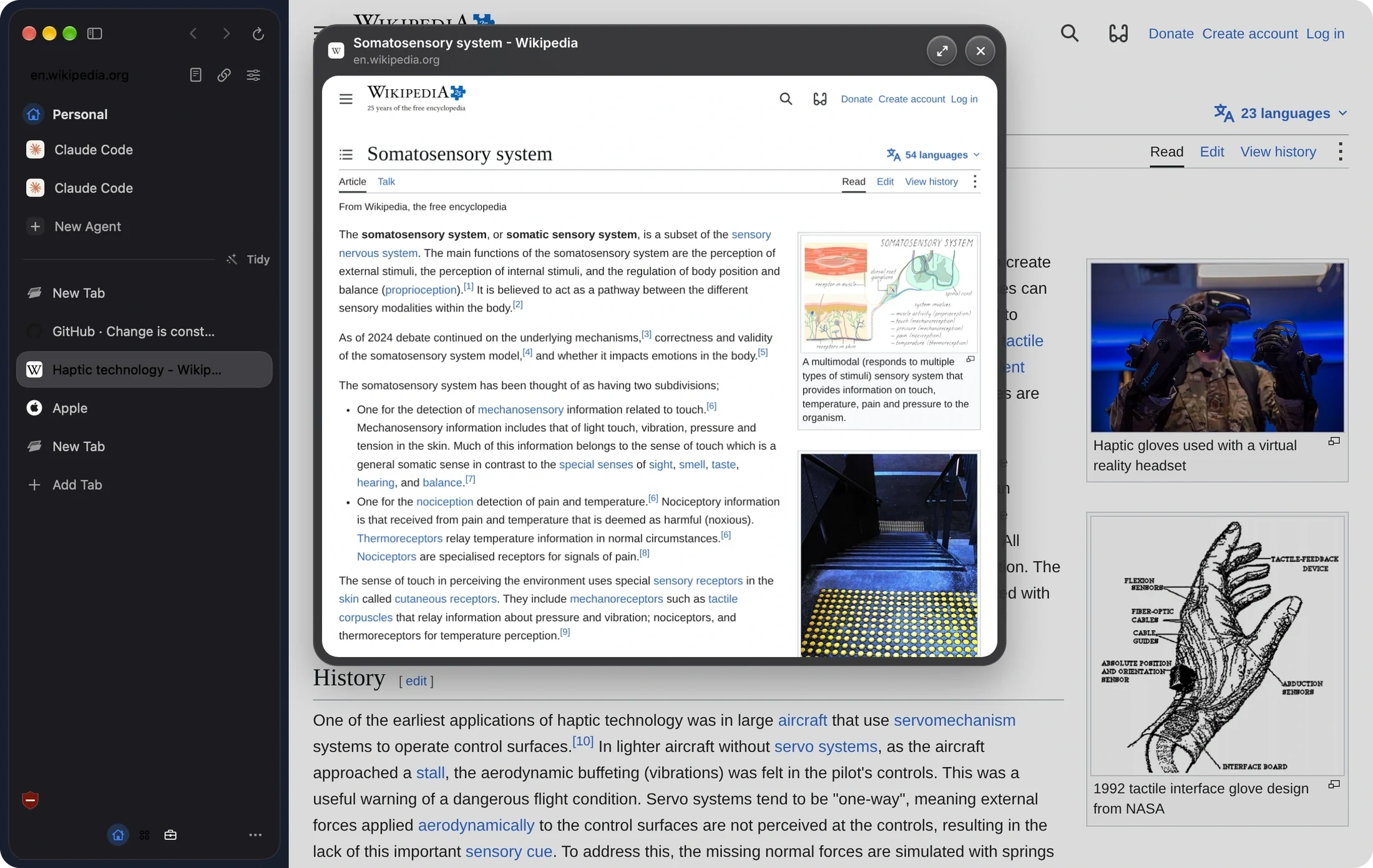
Touch and hold to preview
Hold a link to see the page without leaving the one you're on.
Pinch to zoom
Pinch any page to zoom in on what you're reading.
Swipe between Facets
Swipe in the sidebar to move between work, school and personal.
On a real window
Swipe back.
Pull to reload.
The gestures you already know from iPhone and iPad, on your Mac.
Preview
See the page
before you go.
Touch and hold a link, or Force Click on the trackpad, and the whole page opens right there.
Made for touchEvery gestureBest browser for a touch MacFacet Pro