Leaving Arc? Bring all of it.
Facet moves your Spaces, pinned tabs, folders, favorites, passwords and logins over in one click. Free, native to Mac, and made for touch.
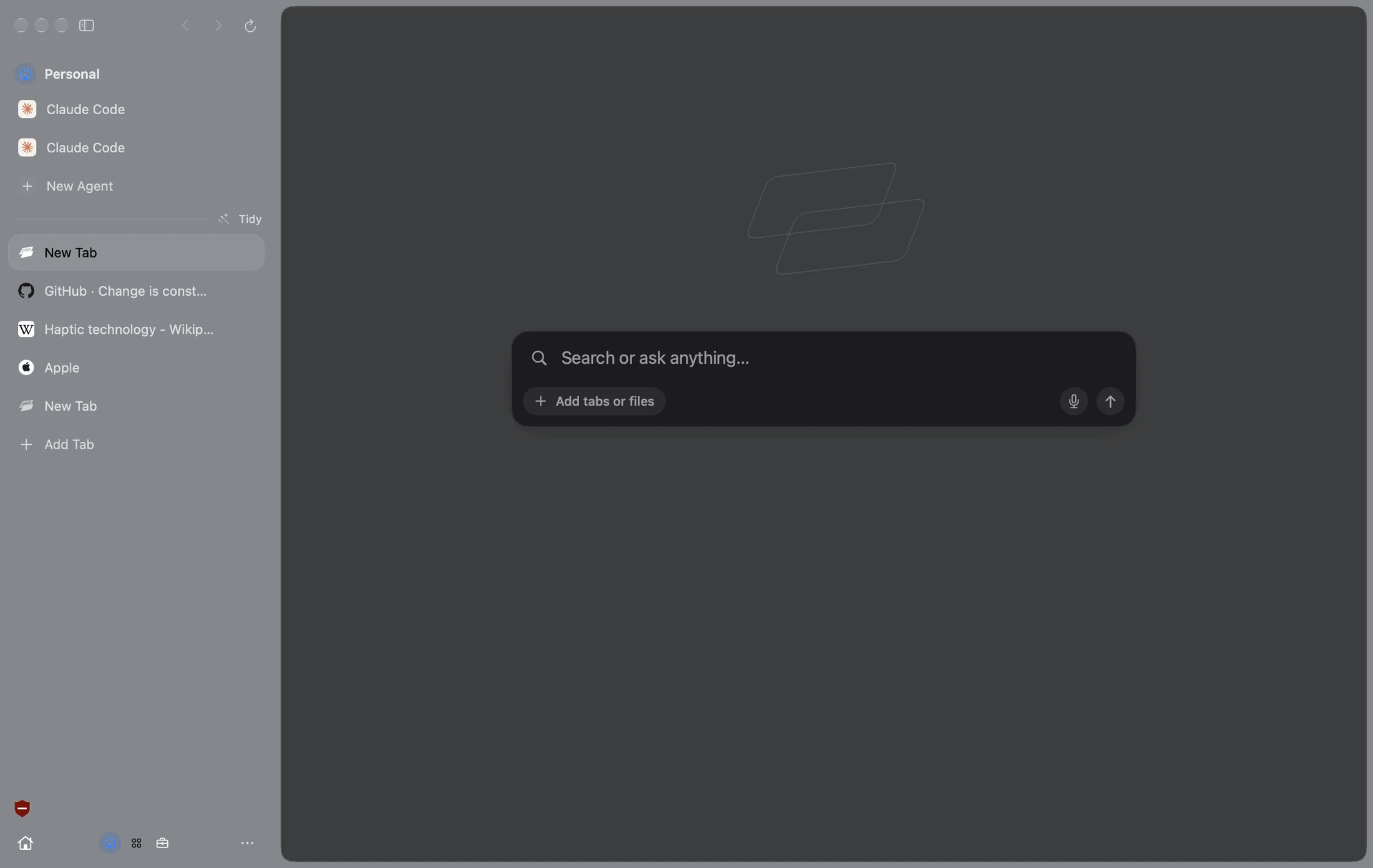
What comes with you
Each one, with its name and color.
Your pinned folders stay folders.
The row of icons at the top, in order.
Straight from Arc. No export file to make or delete.
Stay signed in to your sites.
Your Chrome extensions install again by themselves.
So the address bar still knows you.
Facet keeps a copy on your Mac before Arc deletes your data.
Three steps
- Download Facet and open it.
- Click Arc at the top of setup. macOS asks once to unlock Arc’s passwords. Choose Always Allow.
- Click Bring It Over. That’s it. Keep Arc open as long as you like.
What you’ll miss from Arc is here
Swipe between Facets, each with its own logins.
Search, open tabs and run commands from one box.
Change any site’s look, font and colors, or hide parts of it.
A canvas like Easels, with live clips of pages that stay up to date.
Two pages side by side, and link previews.
Old tabs archive, and Sweep sorts the rest.
And things Arc never had
Swipe back, pull to reload, pinch to close a tab.
Native to the Mac, built with Apple’s own tools.
Off with one switch. Or use the ChatGPT or Claude plan you already have.
Ads and trackers blocked, with uBlock Origin built in.
Using Arc Search on iPhone?
Arc Search loses its AI on November 23. Facet for iPhone and iPad is in public beta now, built for the same quick, clean search.
Join the beta