See right through it.
Pick a wallpaper. Watch it glow through.
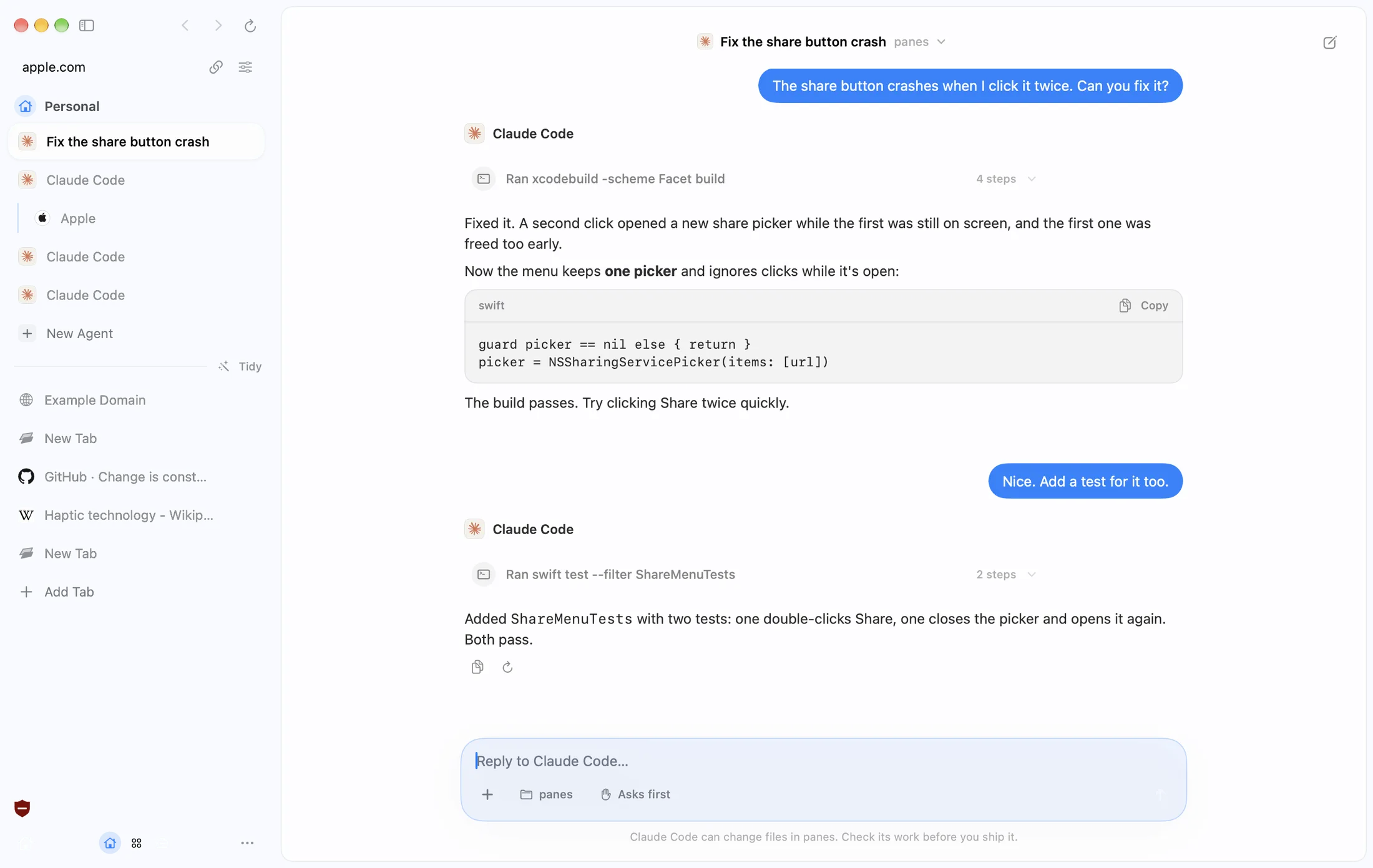
Give it a job.
Watch it work.
Agents live in your sidebar and work in your tabs.
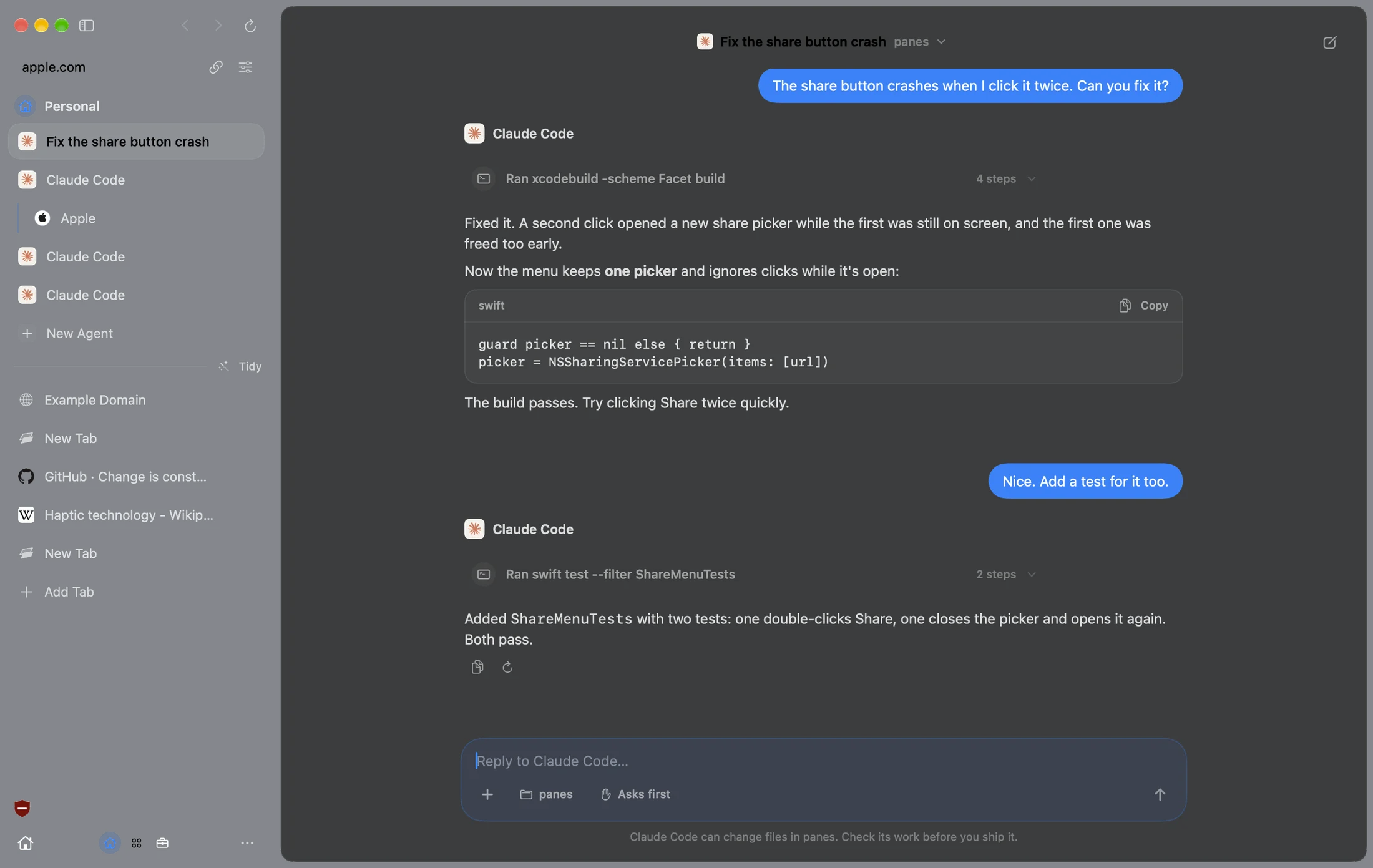
Take a look around.
Real Facet windows. Pick one.
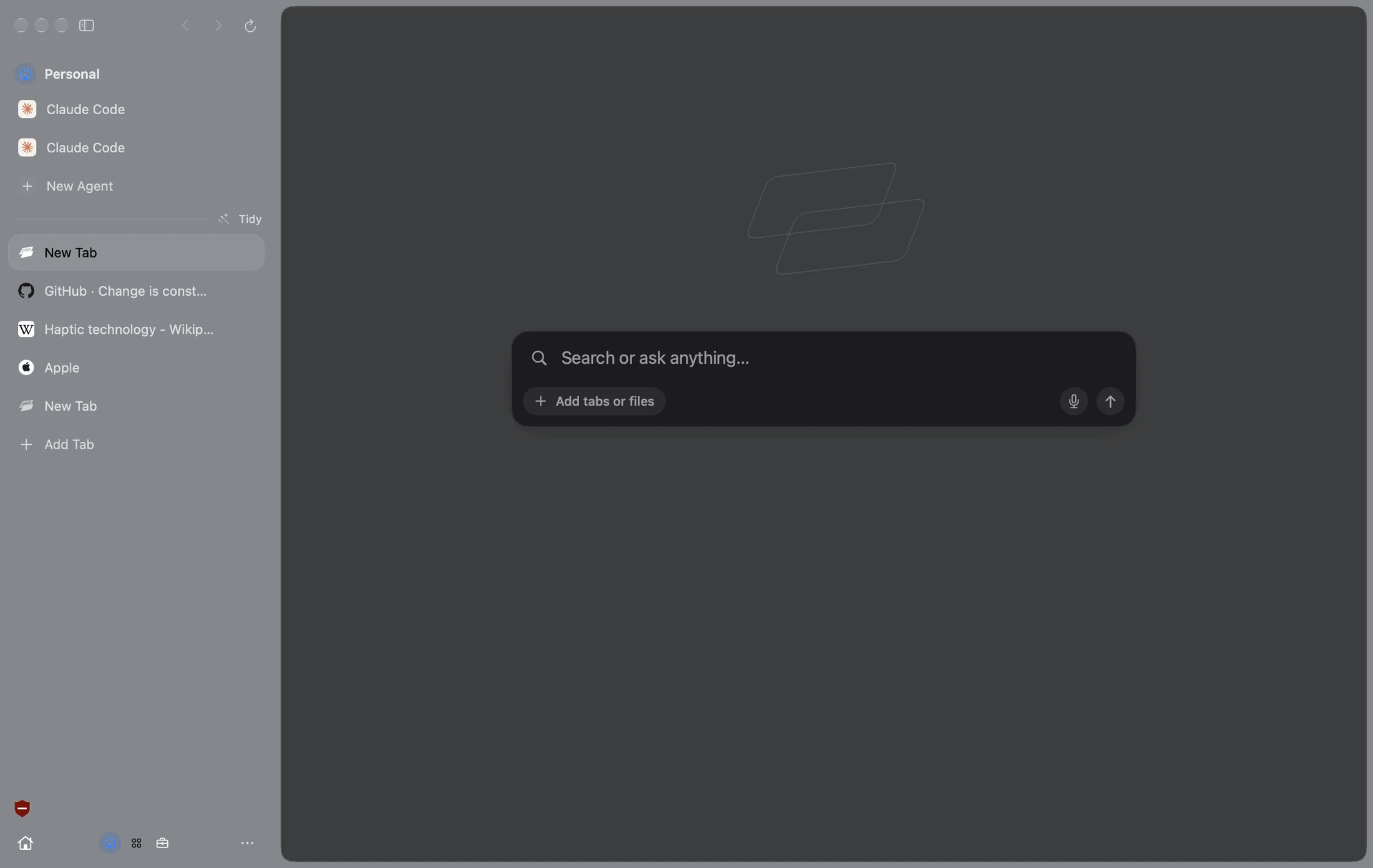
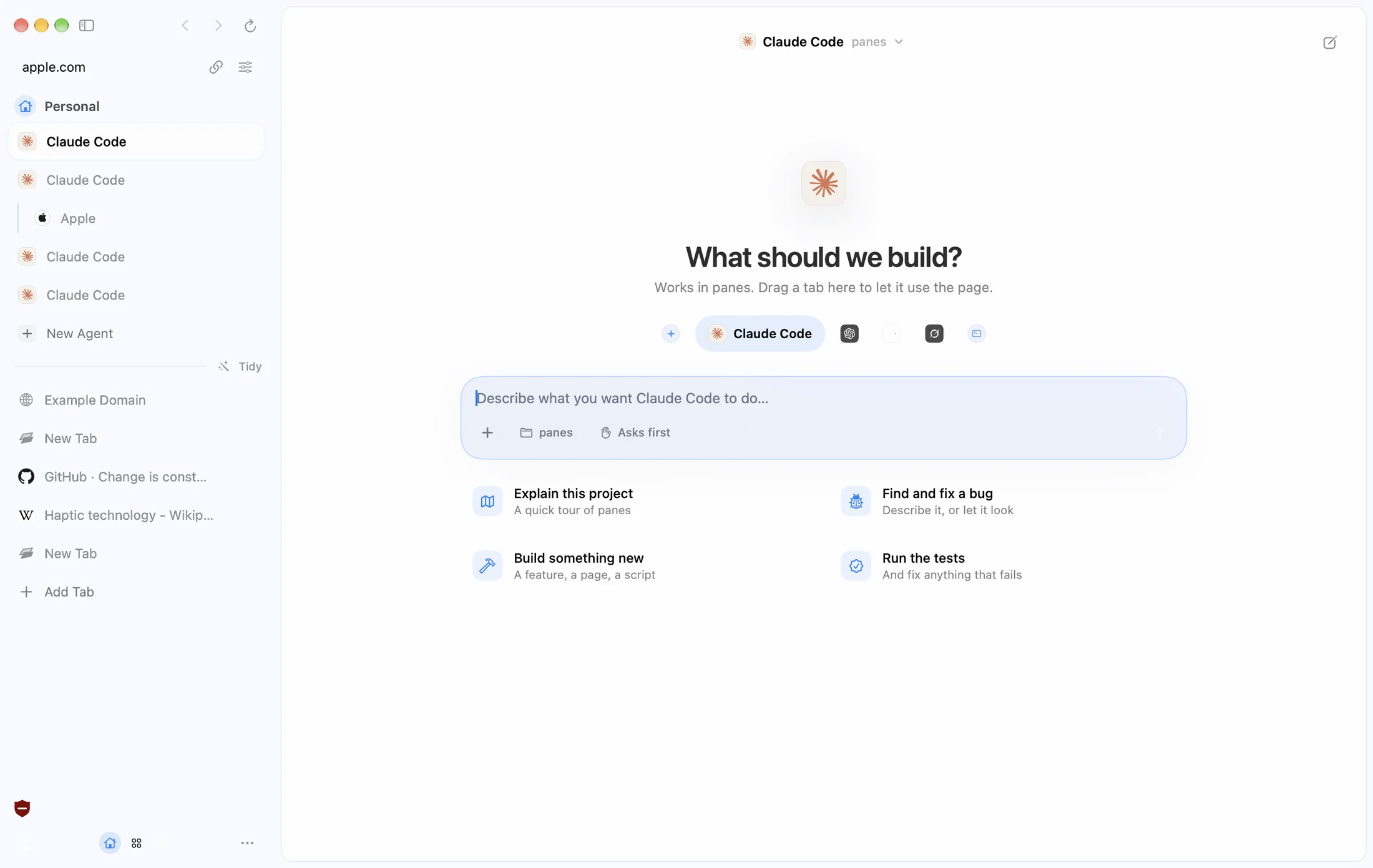
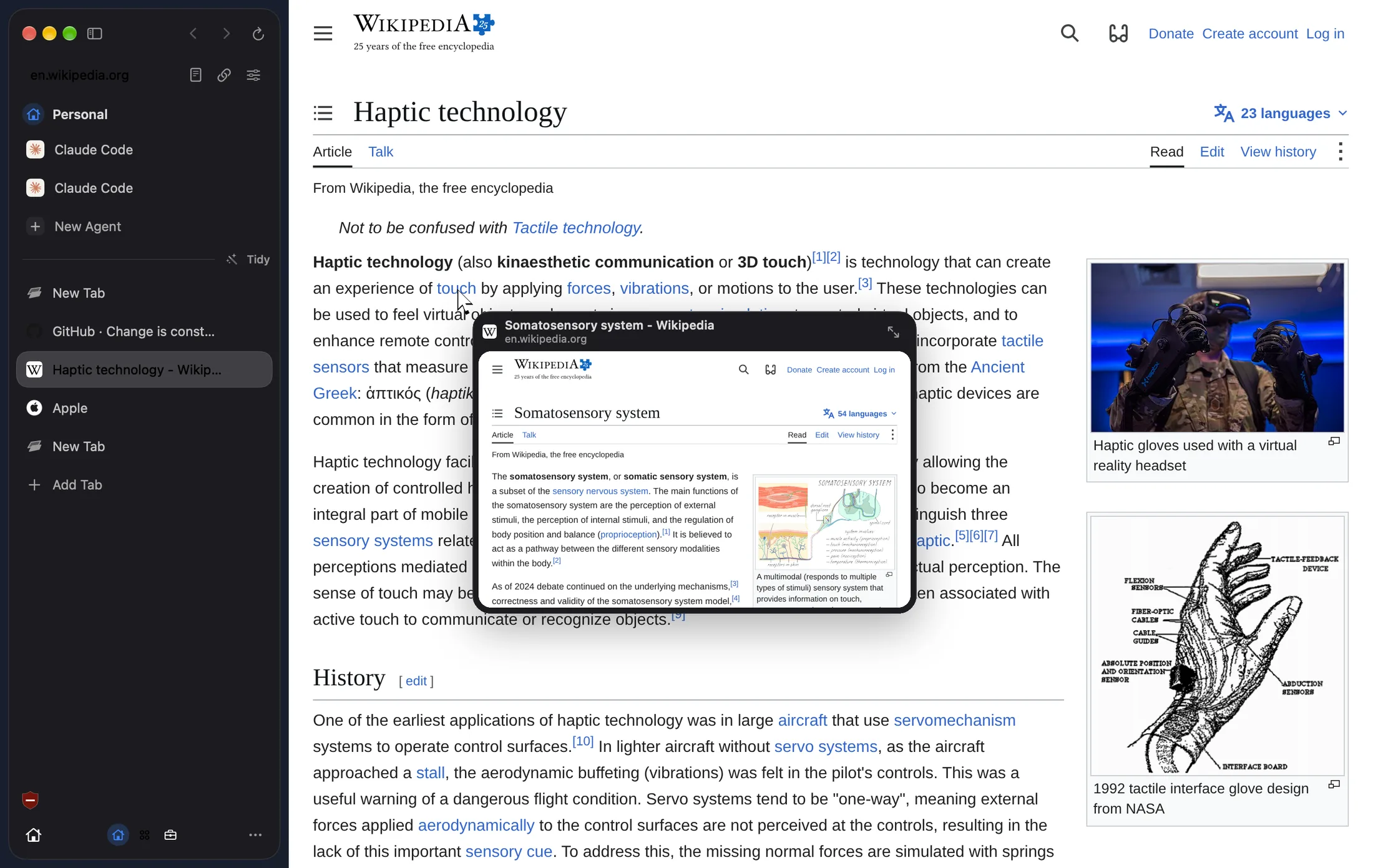
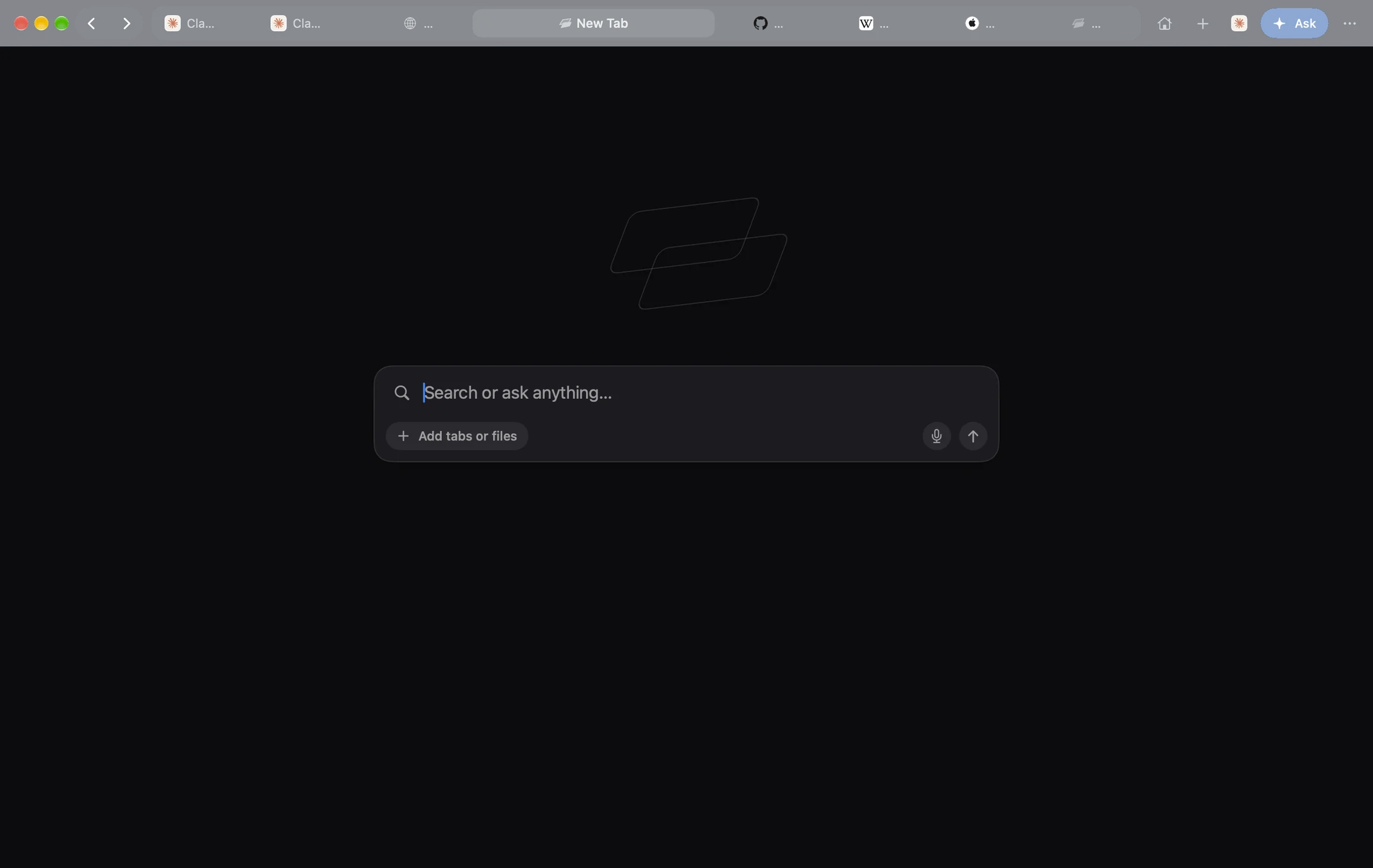
A Space for every
part of your life.
Own tabs, logins and color. Swipe to switch.
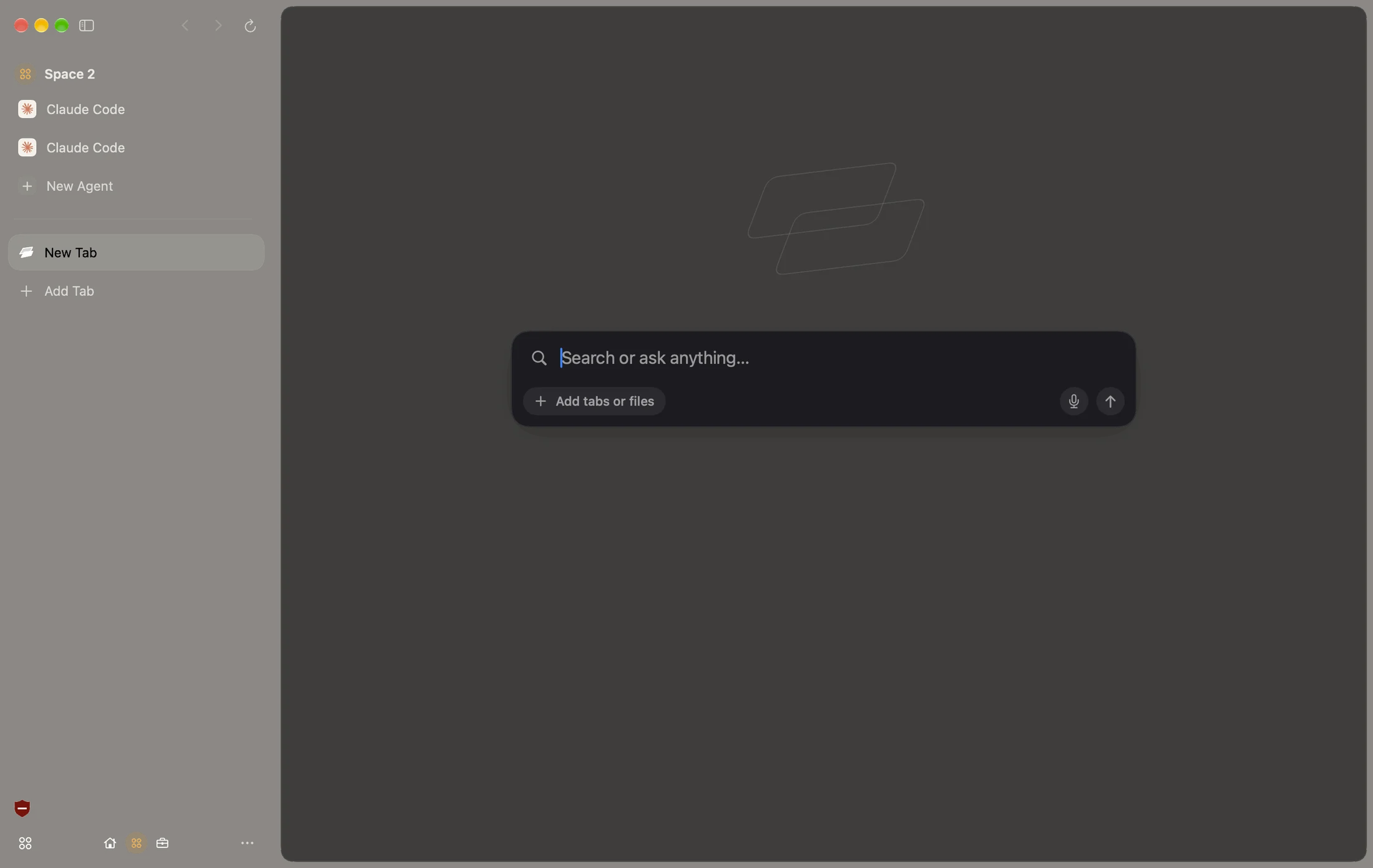
Your Chrome extensions.
Right at home.
Made for Mac.
Friends with iPhone.
Ads, gone.
The ad blocker is built in. No ads, no trackers, no cookie pop-ups.
Make it yours.
Ten app icons. Any accent color. Light or dark.




Built in. Not bolted on.
No add-ons to hunt for. It all comes with Facet.
Works with what you use.
How Facet compares.
Safari’s speed and battery life. Chrome’s extensions. More built in than either.
| Facet | Safari | Chrome | Arc | Dia | |
|---|---|---|---|---|---|
| Engine | WebKit | WebKit | Chromium | Chromium | Chromium |
| Liquid Glass design | – | – | – | ||
| Chrome extensions | Most | – | |||
| Ad blocker built in | – | – | – | – | |
| Agents that work in your tabs | – | – | – | ||
| Claude Code and Codex in a tab | – | – | – | – | |
| Apple Intelligence | – | – | – | ||
| Sidebar or top bar, your pick | – | – | – | – | |
| Still getting new features | – |
Standard features of each browser as of November 2026, with no add-ons. WebKit is the engine Apple builds Safari on and tunes for speed and battery life on the Mac.
Questions? Answers.
Is Facet really free?
Yes. No account, no subscription, no ads.
Which Macs does it run on?
Any Mac running macOS Tahoe 26 or later.
Will my Chrome extensions work?
Most will. Open the Chrome Web Store in Facet and click Add to Facet. A few that only work inside Chrome won’t run.
Can I bring my bookmarks and history?
Yes. Facet brings them over from Chrome, Arc, Dia, Safari, Brave and Edge, and turns Arc Spaces and Safari Tab Groups into Spaces.
What do the agents need?
Nothing extra. Apple Intelligence is free on Apple silicon Macs, or add your own key for another model. Claude Code and Codex show up if you have them installed.
Will an agent do things without asking?
Not unless you let it. Anything that sends, buys or posts waits for your OK, and passwords need Touch ID.
What engine does Facet use?
WebKit, the engine inside Safari. That keeps it fast and easy on your battery, and your Chrome extensions still work.
Why does my Mac ask before opening it?
Facet is new and isn’t from the App Store. The first time, go to System Settings › Privacy & Security and click Open Anyway. You only do it once.
How do updates work?
Facet updates itself. When a new version is ready, it installs the next time you quit.

Get Facet.
Free for Mac.
First time: drag Facet to Applications, open it, then click Open Anyway in Privacy & Security.