 vs

Facet vs Arc
Everything you loved about Arc.
And it keeps going.
Arc stops working on December 22. Facet has the sidebar, Spaces, Boosts and the command bar, plus touch, Liquid Glass and an ad blocker built in.
The short answer.
Both are good browsers. Here’s who each one is for.
Pick Facet if
- You want Arc’s sidebar and Spaces in a browser that’s still being built, with updates every week.
- You want a browser that feels made by Apple, with Liquid Glass and Touch ID.
- You want ads and trackers gone without hunting for an extension.
- You want to bring your Arc setup over in one click, passwords and logins included.
Stay with Arc if
- You need a browser on Windows too. Facet is Mac only for now.
- You rely on an extension built only for Chrome. Most run in Facet, a few don’t.
- You’re fine with Arc until December 22, then moving anyway.
Side by side.
Facet and Arc, feature by feature.
| Facet | Arc | |
|---|---|---|
| Still getting updates | Every week | Stops working Dec 22 |
| Engine | WebKit (same as Safari) | Chromium |
| Sidebar with Spaces | Yes, called Facets | |
| Pinned tabs and folders | ||
| Command bar | ⌘T | ⌘T |
| Change how sites look | Boosts, free | Boosts |
| A canvas for clips | Gallery | Easels |
| Split View | ||
| Link previews | Peek with AI summary | Peek |
| Ad and tracker blocker built in | – | |
| Made for touch | – | |
| Liquid Glass design | – | |
| Chrome extensions | Most, from the Chrome Web Store | All |
| AI | Apple Intelligence, or your own key | Arc Max |
| Agents that work in your tabs | – | |
| Windows version | – | |
| Price | Free. Pro optional | Free |
Standard features on Mac as of November 2026, with no add-ons. Arc is a trademark of its owner.
Facets
Your Spaces,
right where you left them.
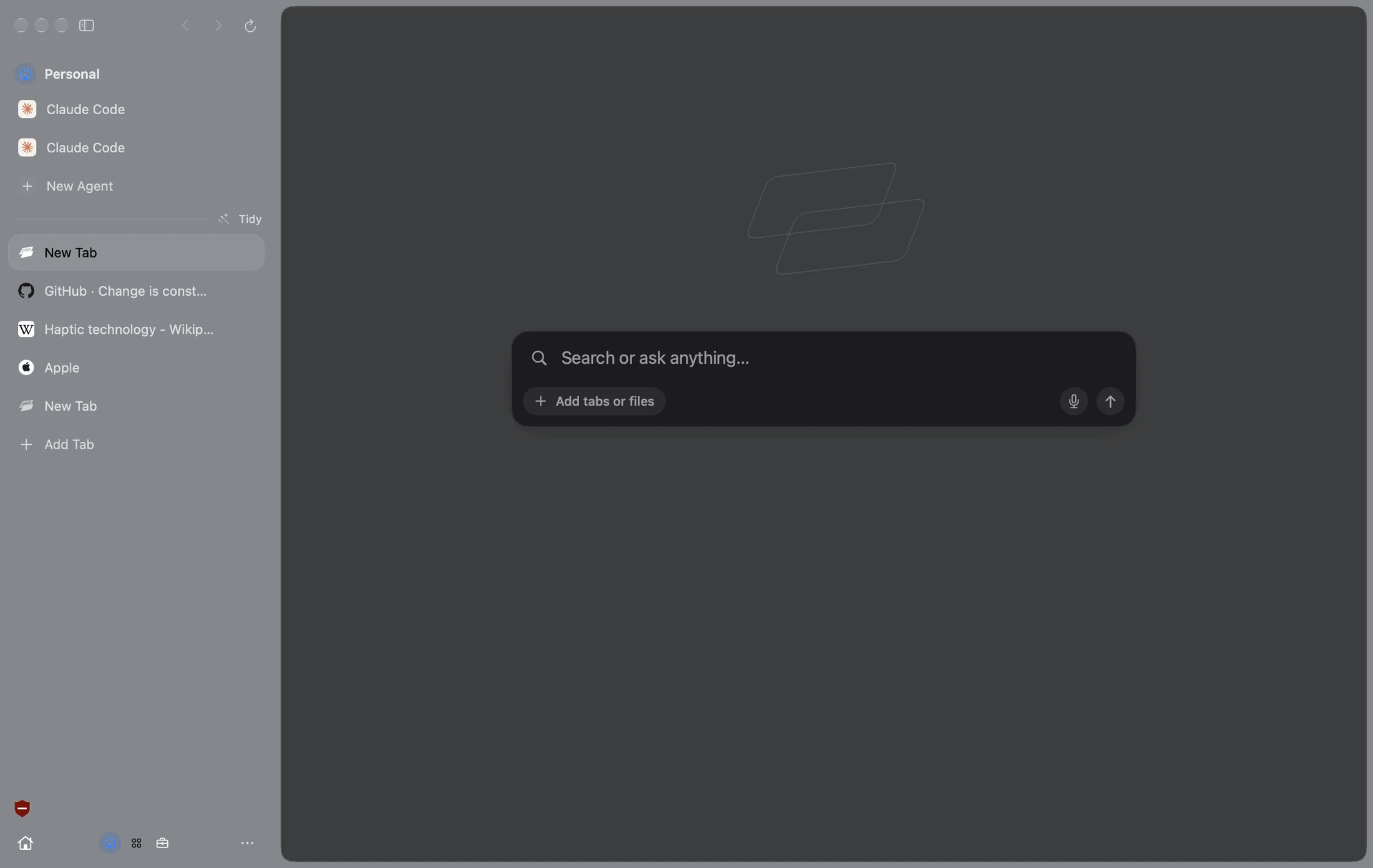
Each Arc Space comes over as a Facet, with its name, color, pinned tabs and folders. Swipe between them like you always did.
Agents
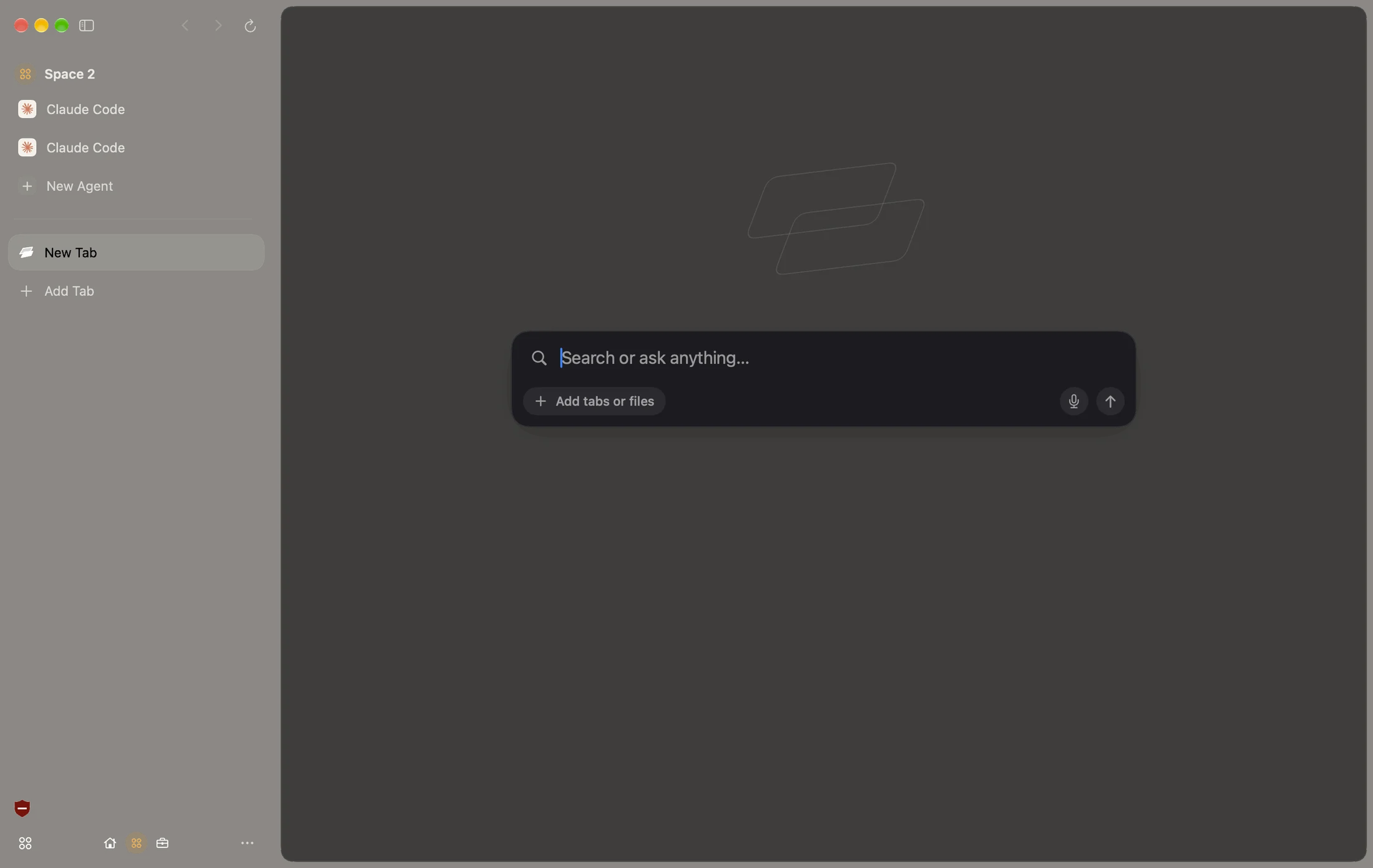
Arc Max, grown up.
Give Agent a job and watch it work in your tabs. It asks before it does anything that matters. Use Apple Intelligence for free, or the AI you already pay for.
Peek
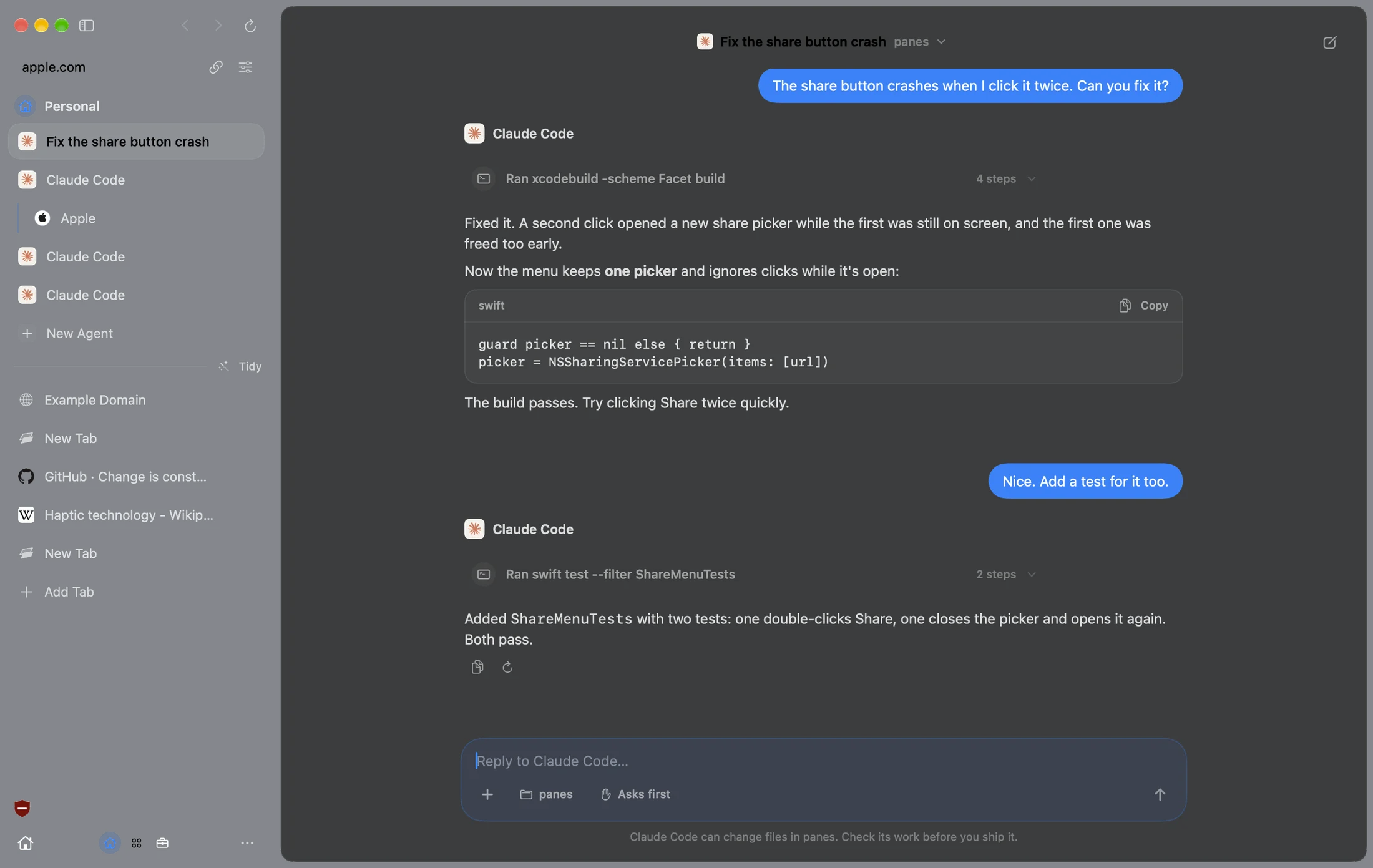
Know before
you click.
Hover a link for a quick AI summary. Force Click for the whole page. Arc’s Peek, with an answer built in.
Only in Facet.
Things Arc doesn’t do.
Move from Arc in a minute.
Three steps. Keep Arc as long as you like.
 ChromeArc
 Safari
 DiaBraveEdge
Free. Then Pro, if you want it.
The whole browser is free with no account. Pro is the extra magic between your Mac and iPhone.
Coming from Arc? Bring your Arc setup over and you get 30 days of Pro free, not 7.
Questions.
Facet vs Arc, answered.
Is Facet a good Arc replacement?
Yes. Facet has the things people love in Arc: a sidebar, Spaces (called Facets), pinned tabs and folders, a ⌘T command bar, Boosts, Split View and Peek. It imports all of it from Arc in one click, and it keeps getting updates.
When does Arc stop working?
The Browser Company says Arc stops working on December 22, 2026. Move your setup before then, while Arc can still open.
Will my Arc passwords and logins come over?
Yes. Facet reads them straight from Arc. macOS asks once to unlock them. There’s no export file to make or delete.
Do my Chrome extensions work in Facet?
Most do. Open the Chrome Web Store in Facet and click Add to Facet. A few extensions built only for Chrome may not run.
Is Facet free like Arc?
Yes. The whole browser is free, with no account. Facet Pro is optional and adds Mac and iPhone features like Relay and iPhone Remote.
Is there a Windows version?
Not yet. Facet is for Mac, with iPhone and iPad in public beta.

Try Facet.
Free for Mac. No account.
Drag Facet to Applications and open it. It’s signed and notarized by Apple, so there are no warnings.
More comparisons