 vs
Facet vs Chrome
Keep your extensions.
Lose the Chrome.
Facet installs your Chrome extensions straight from the Chrome Web Store, on the engine Apple tunes for the Mac. And it blocks ads out of the box.
The short answer.
Both are good browsers. Here’s who each one is for.
Pick Facet if
- You want your Chrome extensions on a browser that feels native to the Mac.
- You want a full ad blocker. uBlock Origin is built into Facet.
- You want a browser that doesn’t need a Google account.
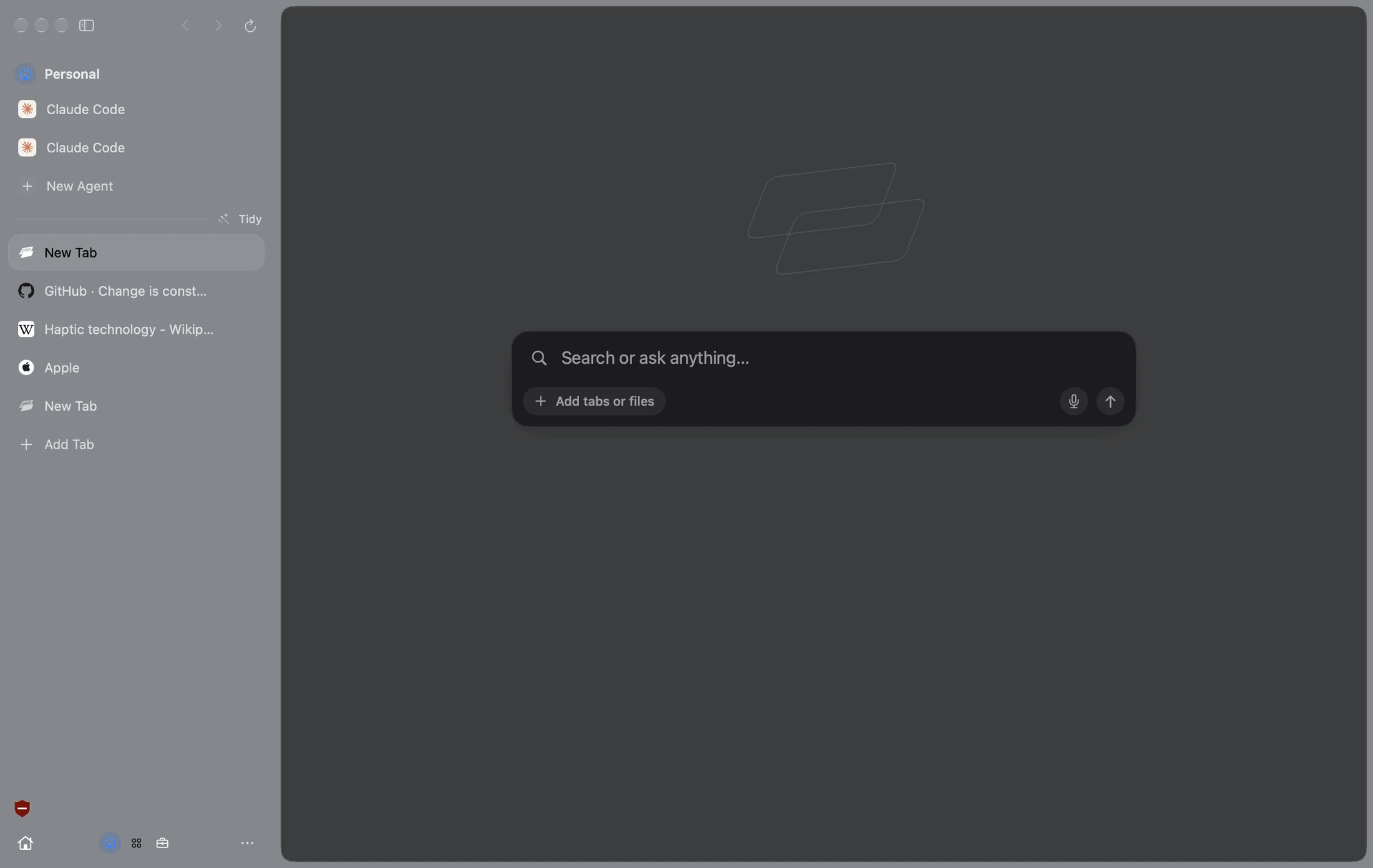
- You want a sidebar, Facets, touch and Touch ID passwords.
Stay with Chrome if
- You use Chrome on Windows, Android or Linux too and want one browser everywhere.
- You rely on an extension built only for Chrome, or a site that only works in Chrome.
- You want Google’s sync and Gemini built in.
Side by side.
Facet and Chrome, feature by feature.
| Facet | Chrome | |
|---|---|---|
| Engine | WebKit (same as Safari) | Chromium |
| Chrome extensions | Most, from the Chrome Web Store | All |
| Full ad blocker built in | Shield, with uBlock Origin | – |
| Liquid Glass design | – | |
| Built with Apple’s SwiftUI | – | |
| Sidebar or top bar | Your pick | Top bar, or vertical tabs |
| Spaces for each part of life | Facets, swipe to switch | Profiles |
| Made for touch | – | |
| Uses your Mac Keychain passwords | – | |
| Apple Intelligence | – | |
| Bring your own AI, any provider | – | |
| Agents that work in your tabs | Gemini | |
| Account needed | No | Google account for sync |
| Windows, Android and Linux | – | |
| Price | Free. Pro optional | Free |
Standard features on Mac as of November 2026, with no add-ons. Chrome is a trademark of its owner.
Extensions
The Chrome Web Store.
Without Chrome.
Open any extension’s page in Facet and click Add to Facet. Password managers, dark mode, grammar and most of your favorites come right along.
Facets
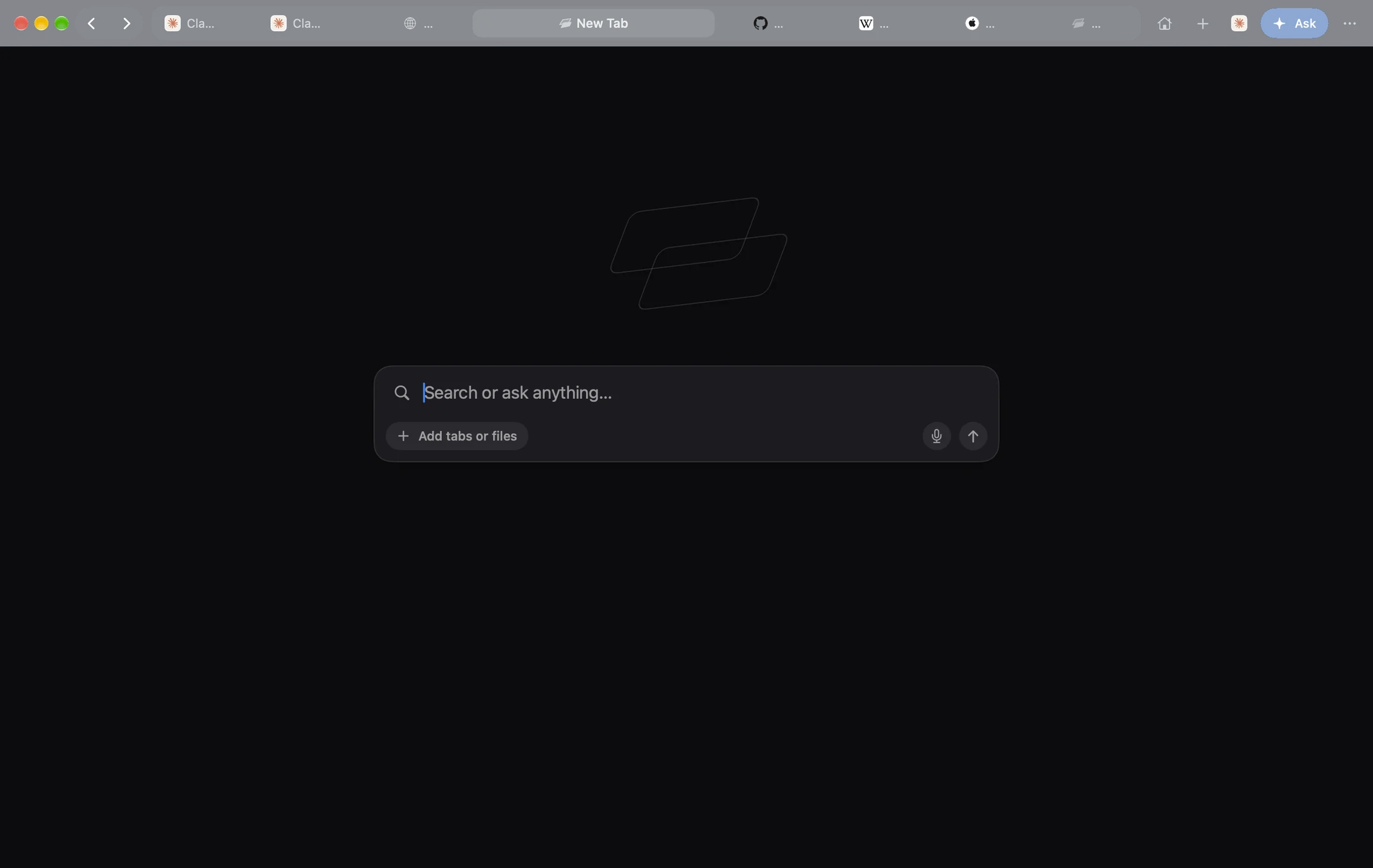
One sidebar.
Every part of your life.
Each Facet has its own tabs, logins and color. Swipe between them. No juggling Chrome profiles and windows.
Agents
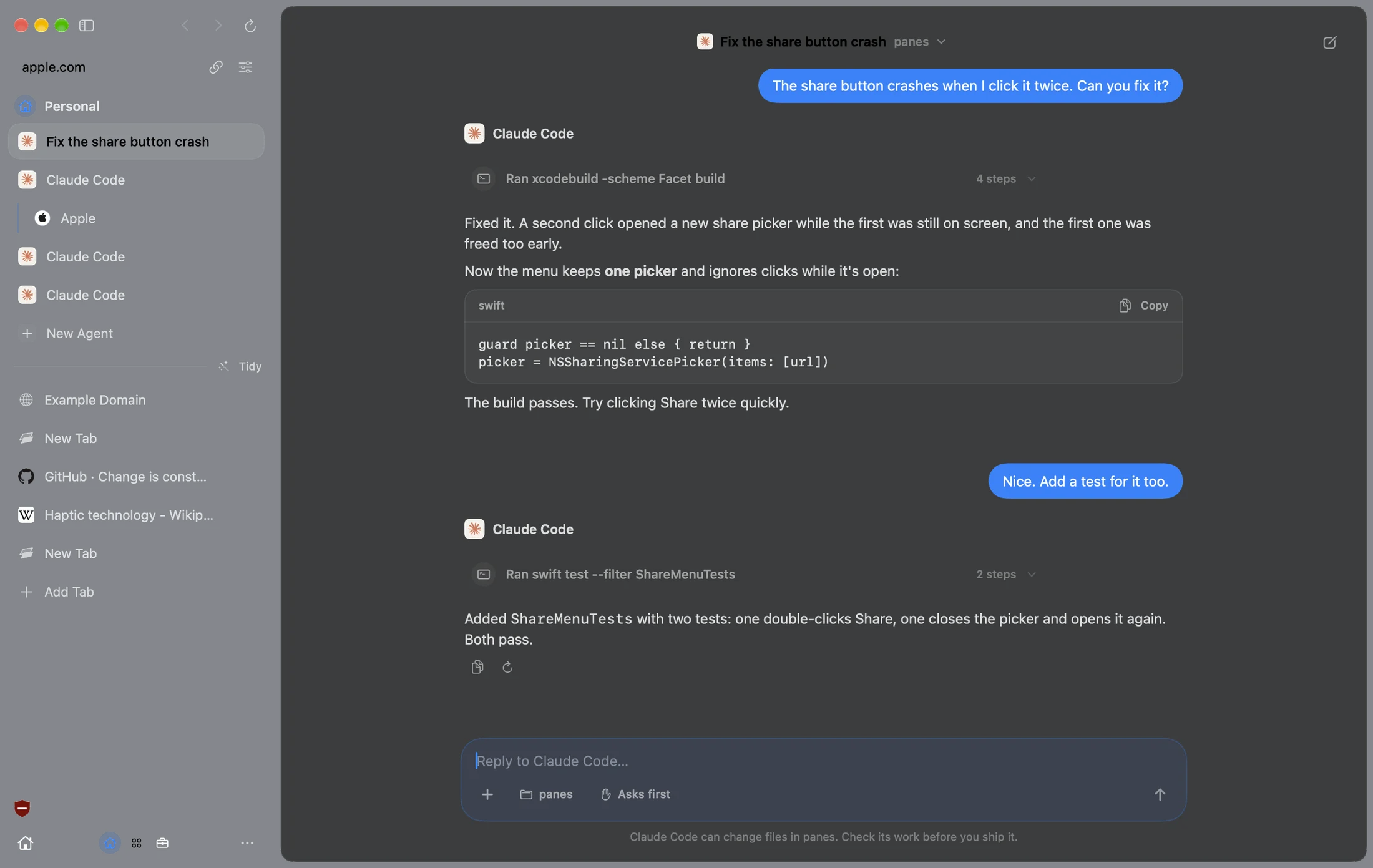
Give it a job.
Watch it work.
Agent works in your tabs and asks before it acts. Use Apple Intelligence for free, or the AI plan you already have.
Only in Facet.
Things Chrome doesn’t do.
Move from Chrome in a minute.
Three steps. Keep Chrome as long as you like.
Chrome Arc
 Safari
 DiaBraveEdge
Free. Then Pro, if you want it.
The whole browser is free with no account. Pro is the extra magic between your Mac and iPhone.
Facet is free. Pro adds the extras that make your Mac and iPhone work as one. Try it free for 7 days, right in Facet.
Questions.
Facet vs Chrome, answered.
Do Chrome extensions work in Facet?
Most do. Open the Chrome Web Store in Facet and click Add to Facet. A few extensions built only for Chrome may not run.
Is Facet better than Chrome on a Mac?
For most Mac users, yes. Facet runs on WebKit, the engine Apple builds and tunes for the Mac, it blocks ads out of the box and it’s built with Apple’s own tools. Chrome still makes sense if you need one browser on Windows or Android too.
Does uBlock Origin work?
Yes. Facet’s Shield is built on uBlock Origin’s filter lists, built in, so you don’t need the extension.
Can I bring my Chrome bookmarks and passwords?
Yes. Facet brings over bookmarks, history, passwords, logins and extensions from Chrome in one step.
Do I need a Google account?
No. Facet needs no account at all.
Is Facet free?
Yes. No account, no subscription, no ads. Facet Pro is optional.
Try Facet.
Free for Mac. No account.
Drag Facet to Applications and open it. It’s signed and notarized by Apple, so there are no warnings.
More comparisons